A collaboration platform should solve more than chat. The useful ones bring tasks, files, decisions, and everyday communication close enough together that people do not spend half their time searching for context. That becomes especially important for remote and hybrid teams, where one missed update can hold up work for hours.

Teams do not all need the same combination of features. Before comparing products, look at the way your team actually works and identify where information gets lost, handoffs slow down, or ownership becomes unclear.
Managing projects
Managing projects should not require constant follow-up. People need to see the owner, deadline, current status, and any blocker quickly. When that information is visible to everyone, managers can spend less time chasing updates and more time helping where work is stuck.
Communication
Communication works best when it stays close to the work it is about. A quick question may belong in chat, while a complicated decision may need a call. Either way, future team members should be able to understand what was decided without digging through unrelated conversations.
Whiteboarding
Whiteboarding is helpful when words alone make an idea harder to explain. Teams can sketch a process, group ideas, map a customer journey, or rough out a workflow together before turning the result into actual tasks.
Cloud storage
Cloud storage is useful when nobody has to ask which file is the latest one. A team member should be able to open the document linked to the work, see the current version, and continue from another device without creating yet another copy.
Automation
Routine handoffs are a good place to save time. Repeating tasks, reminders, and simple status changes can happen automatically, while people still make the decisions that require judgment.
A long feature list can be impressive and still be a poor fit. The better question is whether a feature removes a problem your team feels every week. If nobody has that problem, the feature probably should not influence the buying decision very much.
A remote team may care most about asynchronous updates and clear ownership. A larger company may put permissions and reporting first. A small business may simply want one dependable place for tasks, files, and conversations. The right feature set depends on the friction you are trying to remove.
Collaboration solution analyzer tool
There is no universal best collaboration tool. A five-person agency and a large enterprise will make very different trade-offs. Start with team size, the type of work you manage, the apps you already rely on, and the problems that currently waste the most time.
With those criteria in mind, the options below are easier to compare. Each one is strong in a different area, so the right choice depends on what your team values most:
1. OneThread
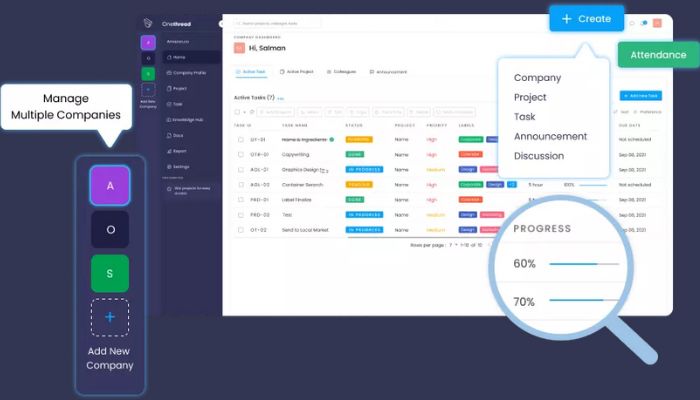
One thread is built for teams that want project and collaboration basics without a steep setup process. Its interface is approachable for new users, and the pricing is positioned below many larger suites. Teams that need a long list of enterprise-level features may find some gaps, so it makes sense to compare those requirements before switching.
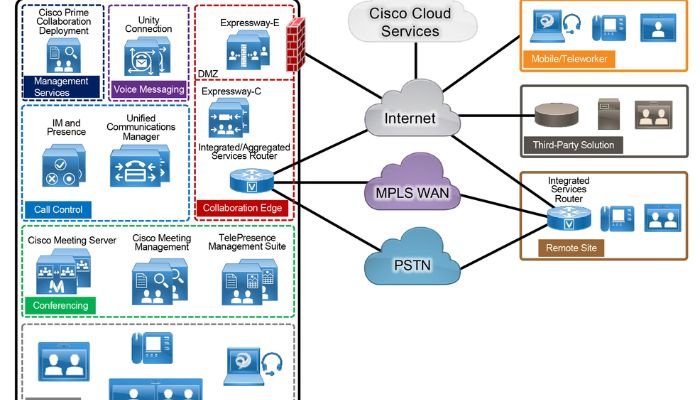
2.Cisco Collaboration Solution
Cisco’s collaboration products are geared more toward organizations that need enterprise communication, administration, and stronger control over how users connect. The trade-off is that smaller teams may find the setup and overall complexity heavier than necessary.
3. ClickUp
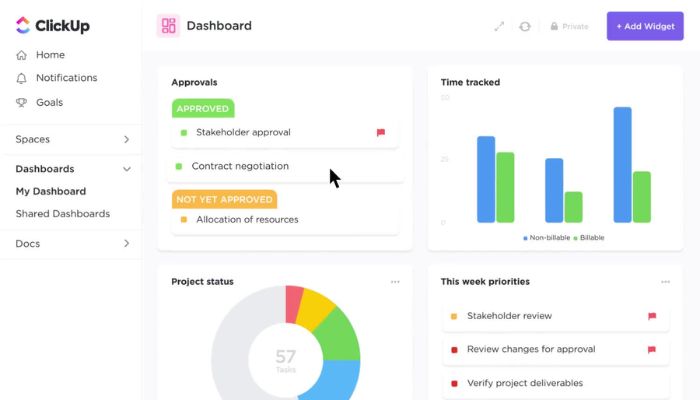
ClickUp tries to put a lot into one workspace: tasks, docs, dashboards, automation, and multiple planning views. That breadth can reduce tool switching, but teams usually need some setup discipline so the workspace does not become crowded.
4. Microsoft Teams
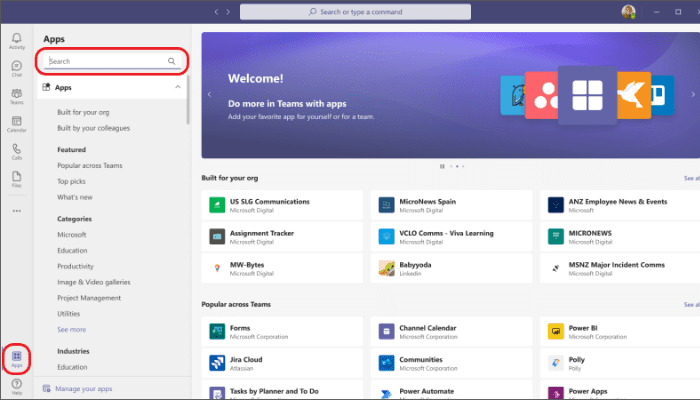
Microsoft Teams is a natural fit for companies already using Microsoft 365. Meetings, chat, files, and Office apps work closely together. If detailed project planning is the main need, though, teams may still want a more project-focused tool alongside it.
5. Google Workspace
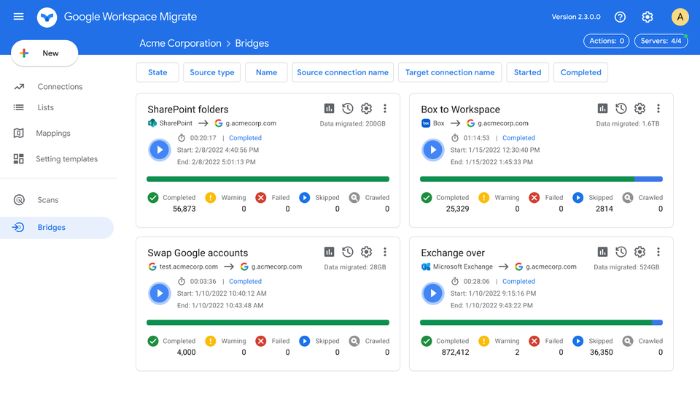
Google Workspace is strongest when collaboration happens in Docs, Sheets, Drive, Meet, and Gmail. Shared editing is excellent, but teams that need dependencies, workload planning, or detailed project reporting will usually combine it with a dedicated work-management tool.
6. Trello
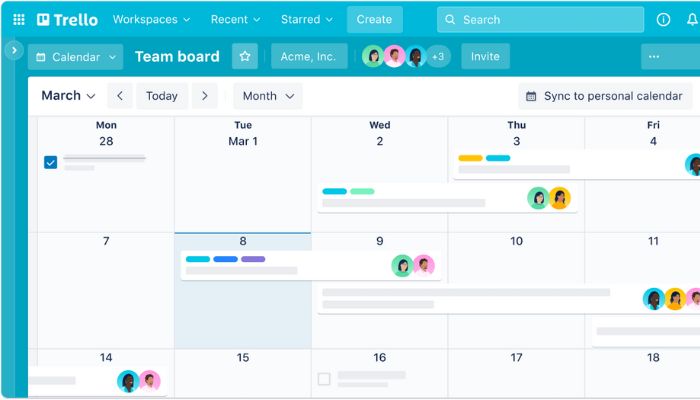
Trello’s board-and-card approach is easy to understand and works well for straightforward workflows. It is a good fit for smaller projects and content calendars, while more complicated dependencies and portfolio reporting may call for something more structured.
7. Asana
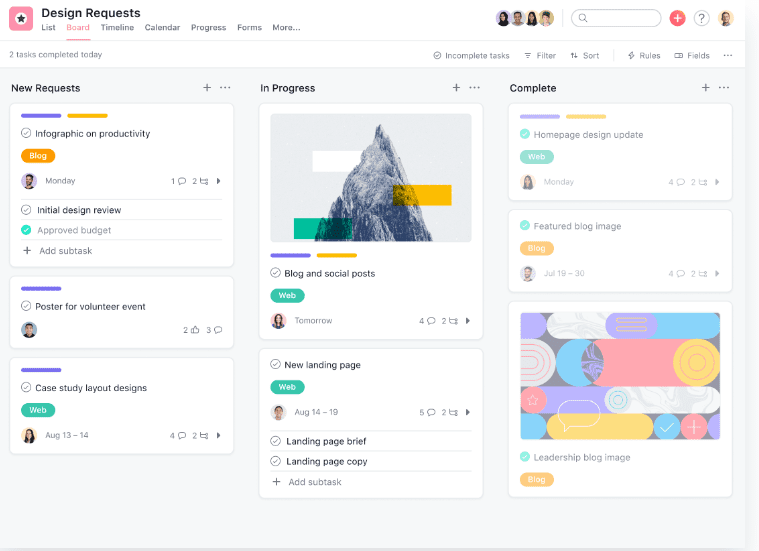
Asana gives teams a more structured way to manage tasks, owners, deadlines, and different project views. It works well for cross-functional work, although communication-heavy teams will still rely on chat or meeting tools for richer conversations.
8. Slack
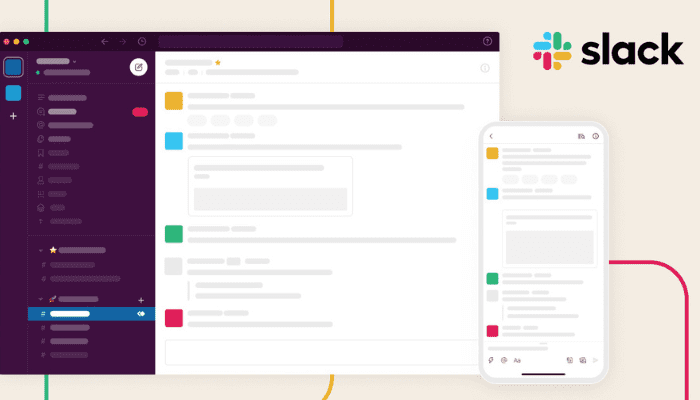
Slack is primarily a communication hub. Channels, threads, and integrations make quick coordination easy, especially for distributed teams, but it does not replace a full project-management system when work needs detailed planning and reporting.
The best collaboration setup is the one people will actually use. Pick the biggest source of friction—unclear ownership, scattered files, slow handoffs, or disconnected conversations—and test a real workflow before committing to a tool.