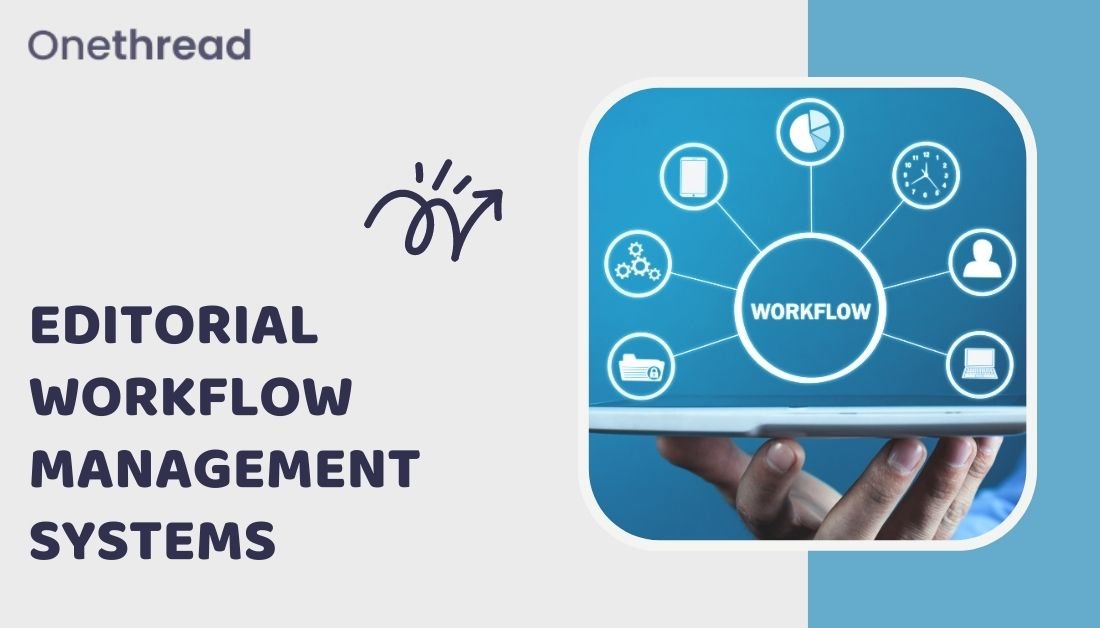
Editorial work can become confusing surprisingly fast. One idea sits in a spreadsheet, another draft is in a document, feedback is in chat, and nobody is quite sure which version is approved. A workflow system helps by putting the owner, status, and next step in one place.
What is Editorial Workflow Management Software?
At its core, editorial workflow software manages the journey from idea to publication. It gives teams a way to assign work, move drafts through review, keep feedback attached to the right piece, and track deadlines without rebuilding the process every week.

Benefits of Editorial Workflow Management Systems
Save Time
Most delays happen between stages, not while someone is actively writing. A draft waits for an editor, an image waits for approval, or a brief sits unanswered. Making those handoffs visible helps the team see where work is actually getting stuck.
Increase Efficiency
Routine coordination is another good place to save time. Recurring assignments, reminders, status changes, and simple approval steps can be standardized so people do not have to remember every small administrative action.
Improve Quality
A structured review process also makes quality more consistent. Writers, editors, subject-matter experts, and approvers can look at the same piece at the right moment instead of leaving comments across several copies of the draft.
Enhance Collaboration
Keeping feedback with the content matters more than it sounds. It cuts down on duplicated comments, outdated attachments, and long message threads where someone has to reconstruct which sentence everybody was talking about.
Features of Editorial Workflow Management Systems
Task Management
For editorial teams, task tracking should make the current stage obvious. The owner, deadline, and next handoff need to be easy to spot so a draft does not sit waiting simply because nobody knows who has it.
Content Tracking
Many editorial workflow management tools also track revisions, sources, and status history. That record is useful when a team needs to see which version was approved, where a claim came from, or why a change was made.
Analytics and Reporting
Reporting is useful when it points to a real bottleneck. If every article spends days waiting for review, or a certain stage creates repeated rework, the team can fix that part of the process instead of simply asking everyone to move faster.
Integrations
Integrations are most helpful when they reduce manual copying. Connecting the workflow to the CMS, cloud storage, calendar, or communication tools can keep the production process moving without forcing people to update the same information in several places.
Examples of Editorial Workflow Management Systems
OneThread
OneThread gives small teams a place to manage tasks, timelines, and reporting without building an editorial process from scratch. Its broader project management tools can also support content calendars, ownership, deadlines, and recurring production work.

A spreadsheet may be enough for a small publishing calendar. Once several writers, editors, statuses, and approvals are involved, though, it becomes easy for rows to fall out of date. A dedicated workspace keeps the conversation and the status closer to the actual work.
OneThread is free for teams of up to five users and charges $1.5 per month for teams of 5 to 60 members. Teams with more than 60 members can be provided with custom packages.
Contentful
Contentful is most relevant to teams publishing structured content across websites, apps, or several digital channels. Because it is a headless CMS, its workflow value comes from combining content models, roles, and publishing states in the same environment.

DivvyHQ
DivvyHQ is focused more directly on content planning and production. Editorial teams can use it to manage calendars, assign pieces, monitor progress, and keep campaign work visible across everyone involved in producing it.

Contentools
Contentools is built around content operations, giving teams a way to manage briefs, assignments, production stages, and collaboration in one workflow rather than coordinating each step manually.
Deskaway
Deskaway takes a broader project-management approach. That can suit an editorial team that wants content work to live beside other operational projects, although it may be more system than a very small publishing team needs.

Tru-Edit
Tru-Edit is aimed at structured editorial production, with workflow controls that help teams move content through review and approval while keeping contributors working from the same process.

How to Choose The Right Editorial Workflow Management Software?
Before comparing tools, map the workflow you already use. Write down who creates the brief, who writes, who edits, who approves, and where publication happens. The awkward parts of that map usually tell you more about what software you need than a generic feature checklist.
Then test the tools against those real requirements. Look at permissions, review stages, calendar views, integrations, reporting, and cost. If there is a free trial, run an actual article through the whole process instead of clicking around an empty workspace.
The right system should remove friction without creating a new layer of administration. A small team may care most about simplicity and clear ownership, while a larger publishing operation may need stricter permissions, reporting, and multi-stage approvals.
Related reading: How do you manage workflow effectively, Workflow management capabilities and Project workflow software.
Conclusion
An editorial workflow system is doing its job when people can answer three questions quickly: what is being worked on, who owns the next step, and what is blocking publication. That visibility makes delays easier to fix and reviews easier to manage as output grows.
Choose the tool that fits the way your team actually publishes. A shorter feature list is fine if it makes handoffs clearer, keeps feedback organized, and gives everyone an accurate view of where each piece stands.