A fast team adopts software the way it adopts ideas, quickly and without a meeting. Someone needs a transcript, signs up for an AI notetaker on a Tuesday, and three weeks later it sits in half the team’s calendar invites. By the time anyone asks who approved it, the tool is load-bearing and nobody remembers the decision because there wasn’t one.
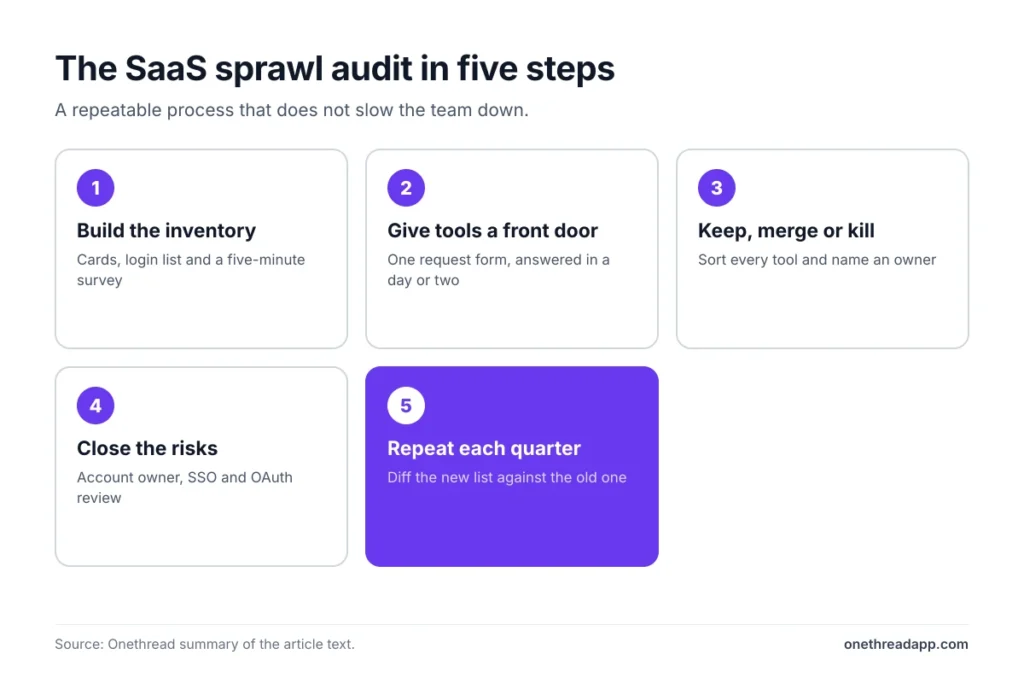
This article gives you a practical way to audit that sprawl without killing the pace that made your team good. You will get a repeatable process: how to find every tool actually in use, how to sort them into keep, merge, and kill, how to close the security gaps the audit exposes, and how to set up a front door so the next unapproved tool is the exception rather than the norm. None of it needs a procurement department or a software platform you have to buy first.
Why a fast team sprawls faster
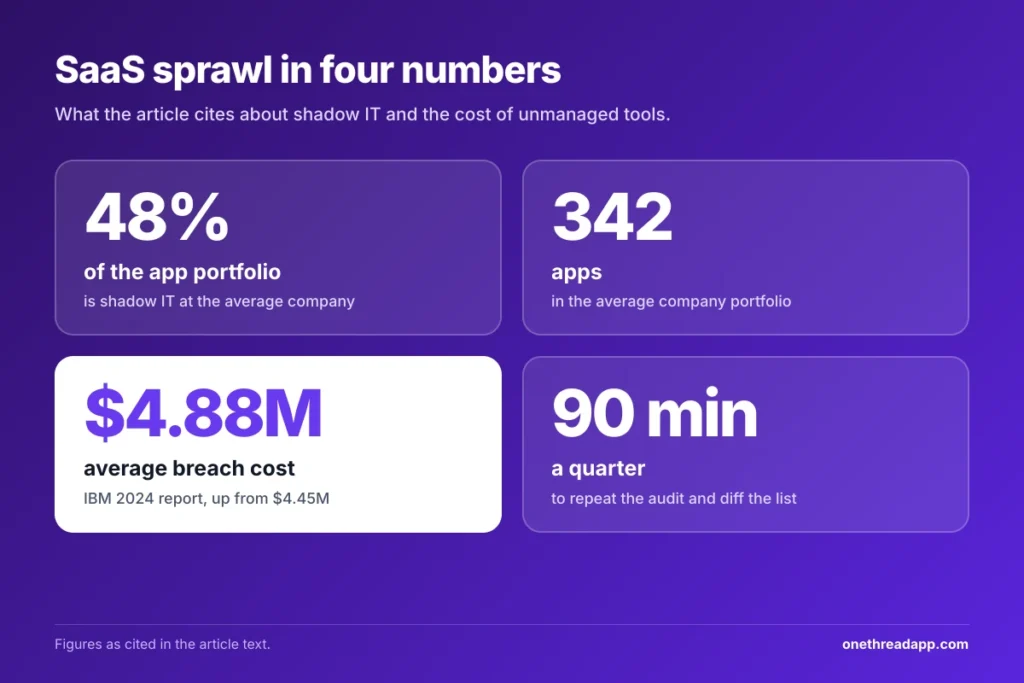
Sprawl is not a discipline problem. It is a side effect of speed, and it carries a cost that shows up later. Productiv’s State of SaaS analysis found that shadow IT, meaning tools adopted without any IT sign-off, made up 48% of the average company’s application portfolio, with the average company running 342 apps. For a 30-person agency the raw count is smaller, but the ratio tends to hold, and roughly half of what your people use is something nobody formally chose.
AI poured fuel on this. In the same analysis, ChatGPT became the single most common shadow IT tool, passing long-time leaders like LinkedIn, Canva, and Adobe Acrobat. The pattern repeats on every fast team: the tool that solves today’s problem gets adopted today, and the paperwork never happens. That is fine right up until two people expense the same product, or a client’s files end up in an account the company cannot see or recover.
Start with a real inventory, not a guess
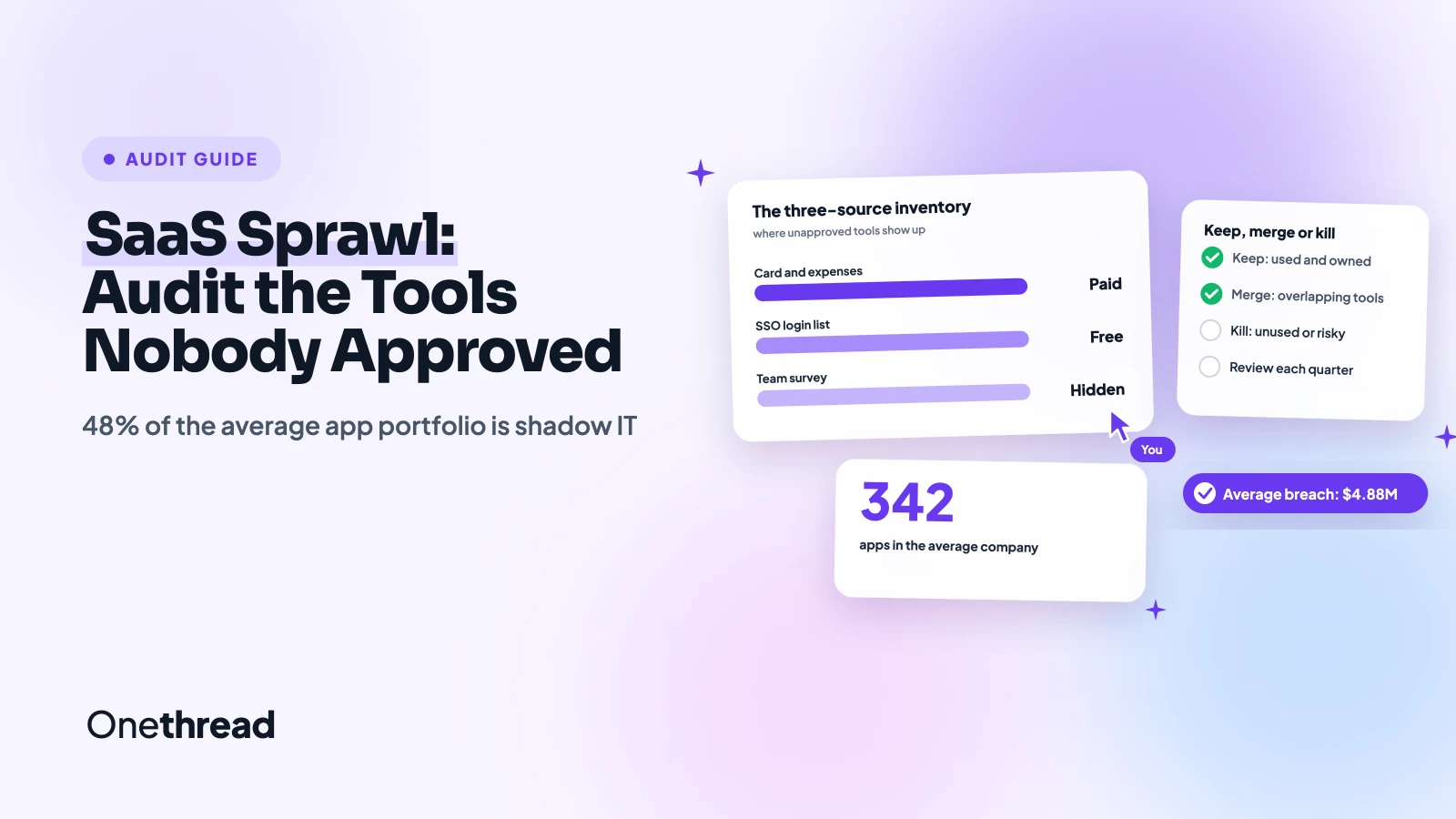
To audit sprawl, build the inventory before you judge any single tool. Pull from three sources and reconcile them, because each one catches what the others miss. Start with the company card and expense reports for anything with “monthly” or “annual” next to it, add the SSO or Google Workspace login list for apps people sign into with work accounts, and finish with a five-minute survey asking each person to name every tool they touch in a normal week.
The three lists rarely agree, and the gaps are the interesting part. The card finds paid subscriptions nobody opens anymore, the login list finds free tools holding real client data, and the survey finds the browser extensions and personal accounts quietly doing company work. Put all of it in one sheet with columns for owner, monthly cost, what the tool does, and what data it holds. Teams without a dedicated IT lead often hand this step off, and Inspirica IT for New Jersey businesses can run the discovery and set the guardrails so the result is thorough instead of a best guess. Either way, the output you want is one list you can act on, not a vague sense that there are “too many tools.”
Give every new tool a front door
People route around IT for one reason, because asking is slower than signing up. Fix that gap and most shadow IT stops appearing on its own. Create a single, low-friction way to request a tool, a short form or a dedicated channel, and commit to answering within a day or two rather than parking it with a committee that meets once a month.
A lightweight request queue does two jobs at once. It gives people a place to ask, and it gives you a running record of what was requested, what was approved, and why. If you have never run one, a walk through by PCS Managed Services shows how a ticket flow works day to day, and the same mechanics apply whether the request is a dead laptop or a new app. Set the expectation that most low-risk tools get a yes fast, so the approved path is also the quick path. When saying yes is easy, sneaking around stops being worth the effort.
Decide: keep, merge, or kill
Now sort the inventory into three buckets. Keep the tools that are genuinely used, paid for once, and hold data you can account for. Merge the overlaps, where two or three products do nearly the same job and one can absorb the rest. Kill anything unused, duplicated, or carrying a risk you cannot justify to a client who asks where their data lives.
Spend the most energy on overlap, because that is where the money quietly leaks. Count how many separate places your team stores files, tracks tasks, or chats, and you will usually find more than you expected. If project work is spread across three trackers, pick one, migrate the active work, then cancel the others at their renewal dates so you avoid an early-termination charge. Write the decision next to each row, including who owns the cleanup and by when, so the audit produces actions instead of a tidy list nobody follows.
Close the risks the audit exposes
The quiet danger of an unapproved tool is not the twelve dollars a month, it is the data and the access sitting inside it. Think of a free account holding a client’s contact list, a design app wired into your Google Drive with full permissions, or a former contractor still logged into a shared board months after the engagement ended. The audit surfaces these, and closing them is the whole point of doing the work.
Run three checks on every tool you decide to keep. Confirm who owns the account so it does not disappear when one person leaves, turn on SSO or at least shared password management, and review what each app can reach through its OAuth connections. The stakes are not hypothetical. IBM’s 2024 Cost of a Data Breach report put the global average breach at $4.88 million, up from $4.45 million the year before, and the unmanaged tool is exactly the blind spot that turns a small slip into a reportable incident. You do not need a big budget to close these gaps, you need to know they are there.
Keep the audit from going stale
An audit you run once decays the moment the next person signs up for something. The fix is a light cadence, not a permanent project. Put a recurring 90-minute review on the calendar each quarter, pull the same three sources, and diff the new list against the old one so you only look at what changed.
Most quarters the delta is small, a few new tools from the request queue and one or two that drifted in anyway. Add a yearly pass over renewals so you catch the annual charges that hide between quarterly checks. Assign one owner for the cadence, even on a tiny team, because a process with no name on it tends to become nobody’s job the week things get busy.
Conclusion
Sprawl is the tax a fast team pays for moving fast, and a regular audit is how you keep the speed without letting the bill creep up unnoticed. Build the inventory from three sources, sort every tool into keep, merge, or kill, close the access and data gaps on what survives, and give people a front door so the next tool arrives through it rather than through the window. Done every quarter, this takes an afternoon. Skipped for a year, it becomes the project nobody wants to touch. The teams that ship fastest are not the ones with no tools, they are the ones who know exactly which tools they have and why.